
A microcontroller that thinks it’s a workstation.
NucleoOS is an operating system for the M5Stack Cardputer. One ESP32-S3 with 512 KB of RAM and no PSRAM runs real apps on its own 240 × 135 screen — and serves a full desktop to any browser on your Wi-Fi.
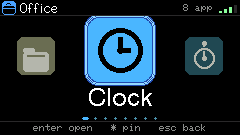
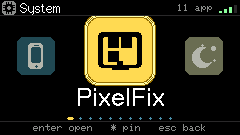
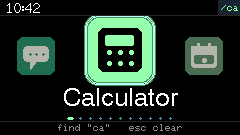
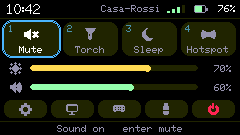
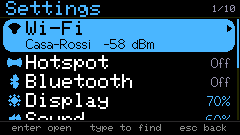
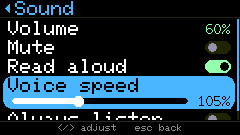
240 × 135 in your hand. A whole desktop in your browser.
On the Cardputer
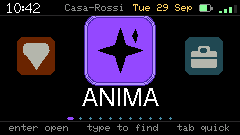
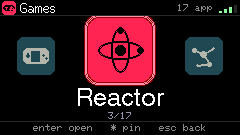
The native interface is always there, no phone or PC needed: a smartwatch-style launcher, large type, search as you type, 1–9 row jumps in lists, games, media, sensors and the security lab.
In any browser on your Wi-Fi
Open the address the Cardputer shows and you get NucleoOS Web: real windows, a Start menu, snap layouts, Alt-Tab, drag-and-drop, a lock screen and global search.
The device serves the files. Your browser does the heavy work — never the Cardputer’s 18 KB heap.
ANIMA answers offline. When it doesn’t know, it says so.
ANIMA is the assistant built into NucleoOS. It opens apps, does math and conversions, sets reminders and answers from its own knowledge pack — with no cloud and no language model. It is built to answer only from what it knows, and to say so when it doesn’t.
-
Youwhat is 12% of 80
ANIMA12% of 80 = 9.6.
L0 · percent · 95%
-
Youconvert 10 km to miles
ANIMA10 km = 6.21371 miles.
L0 · convert · 96%
-
Youopen the calculator
ANIMAOpening calculator.
L0 · open app · 75%
-
Youremind me to call john tomorrow at 9
ANIMAReminder “call john” tomorrow at 09:00.
L0 · add event · 86%
-
Youwhat is the capital of mars
ANIMAI don’t know.
no match · abstains
Ask ANIMA
Pick a question. These are recorded replies from the real engine — the live one runs in NucleoOS Web.
Cheap first, honest always
- L0
Intent and FAQ match
Under 1 ms, no SD access, no model. Covers 70–90% of everyday requests.
- L1
Binary retrieval
64-byte embeddings compared with popcount, then an int8 rerank — only answers above a confidence gate.
- L2
Stitched, never invented
Passages taken verbatim from the knowledge pack, with their source.
- L3
Cloud, only if you allow it
An optional online model. Otherwise ANIMA says “I don’t know.”
One brain, three runtimes, the same answer
ANIMA’s engine is written once in C. A parity test runs every query on each build and requires byte-identical replies.
- ESP32-S3On the Cardputer, fully offline
- Your browserThe same C, compiled to WebAssembly
- PCThe host build the test gates run
Use the best brain you have
In the web desktop ANIMA climbs a ladder of engines and tells you which one answered. Facts and commands — time, battery, files, units, math — are always answered exactly, never by a model.
- Cardputer
Always there
The offline engine in C: retrieval, a knowledge graph, math and units. It never invents a fact it doesn’t have.
- Browser
Offline, private
The Cardputer’s own C compiled to WebAssembly — or a full language model on WebGPU (Qwen3-1.7B).
- Your PC
Free, no key
Ollama, LM Studio, llama.cpp or Jan on the computer you browse from. Settings shows what is running and sets a model per task.
- Cloud
If you add a key
Claude, Groq, Grok or Gemini, called straight from your browser. Your keys stay on the Cardputer’s SD card.
Set it up once. The agent, games, Paint, the Recorder and Dictation follow the same choice — and Private mode removes every Internet step from all of them, so nothing leaves your machine.
512 KB. No PSRAM. Every byte planned.
The Cardputer’s ESP32-S3 has 512 KB of SRAM and no external RAM. NucleoOS keeps a fixed core and gives the rest to one transport profile at a time, so only the radio you are using holds memory.
- 80 KBBoot ROM and system data
- 40 KBFreeRTOS and service stacks
- 16 KBEvent bus
- 16 KBSD card buffers
- 14 KBDisplay (partial framebuffers)
- 20 KBApp runtime and automation VM
Apps allocate memory when they open and free it when they close. Games reboot into a fresh heap. The web desktop costs the device almost nothing.
Design budget from docs/memory-budget.md. Figures are approximate.
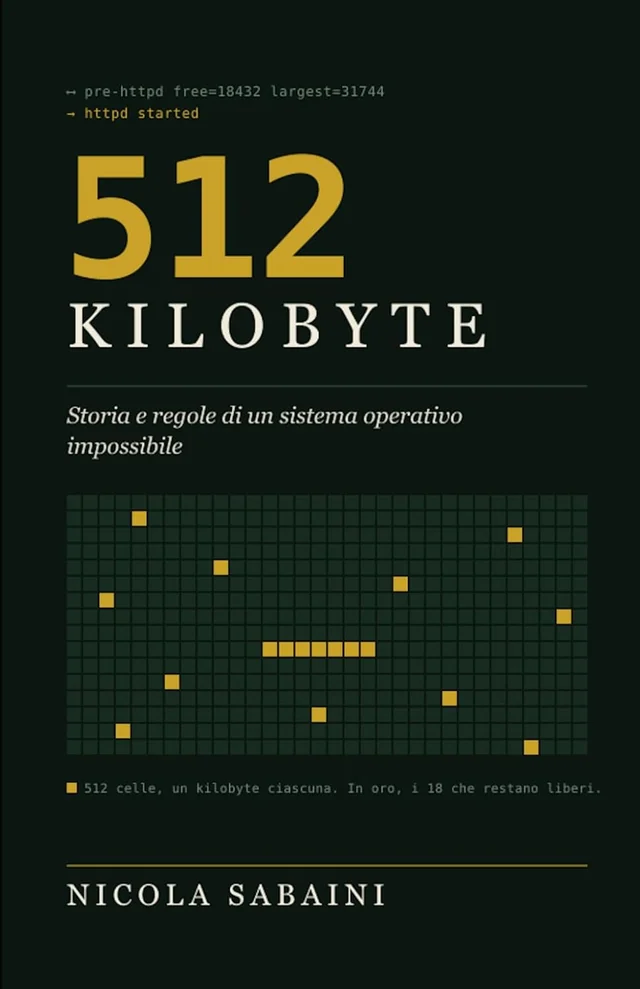
The book: 512 kilobytes
by Nicola Sabaini
Two months, told by the only witness who saw all of it: the machine that wrote the code. Nights, dead ends, devices bricked in stereo, three-kilobyte victories celebrated like championships — and the beautiful ideas someone had to kill at the right moment.
Underneath runs a second story: what happens when you can no longer buy solutions and can only think them. Seventeen rules, a graveyard of dead ideas, and a small manual on asking a machine to help you build something too big for you.
Innovation isn’t adding. It’s deciding.
Paperback and Kindle · in Italian · ISBN 979-8171345747
What’s on it
46 web apps served from the SD card, and a native catalog that runs on the device itself. Every app declares the permissions it needs.
-
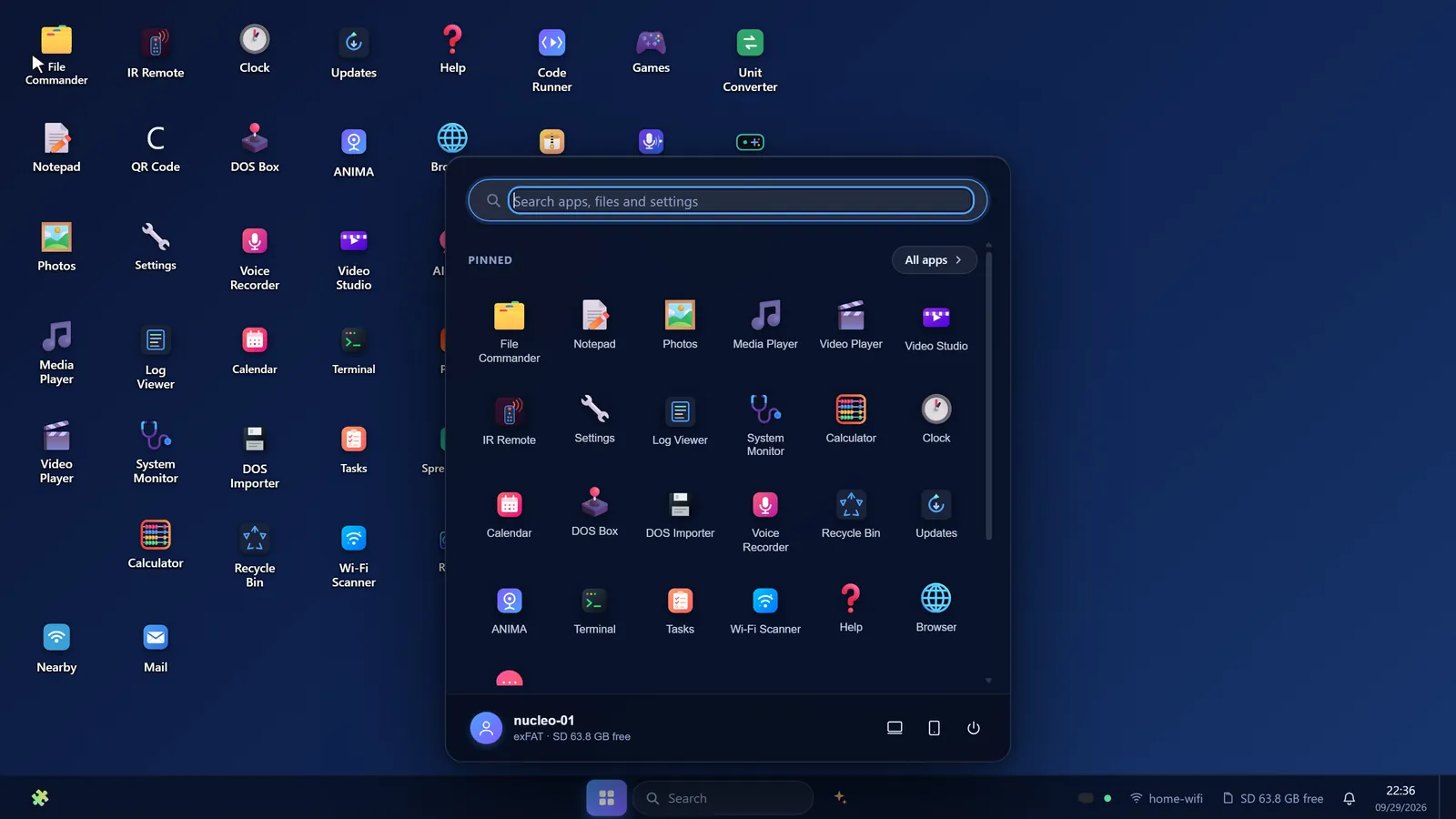
Start menu and search -
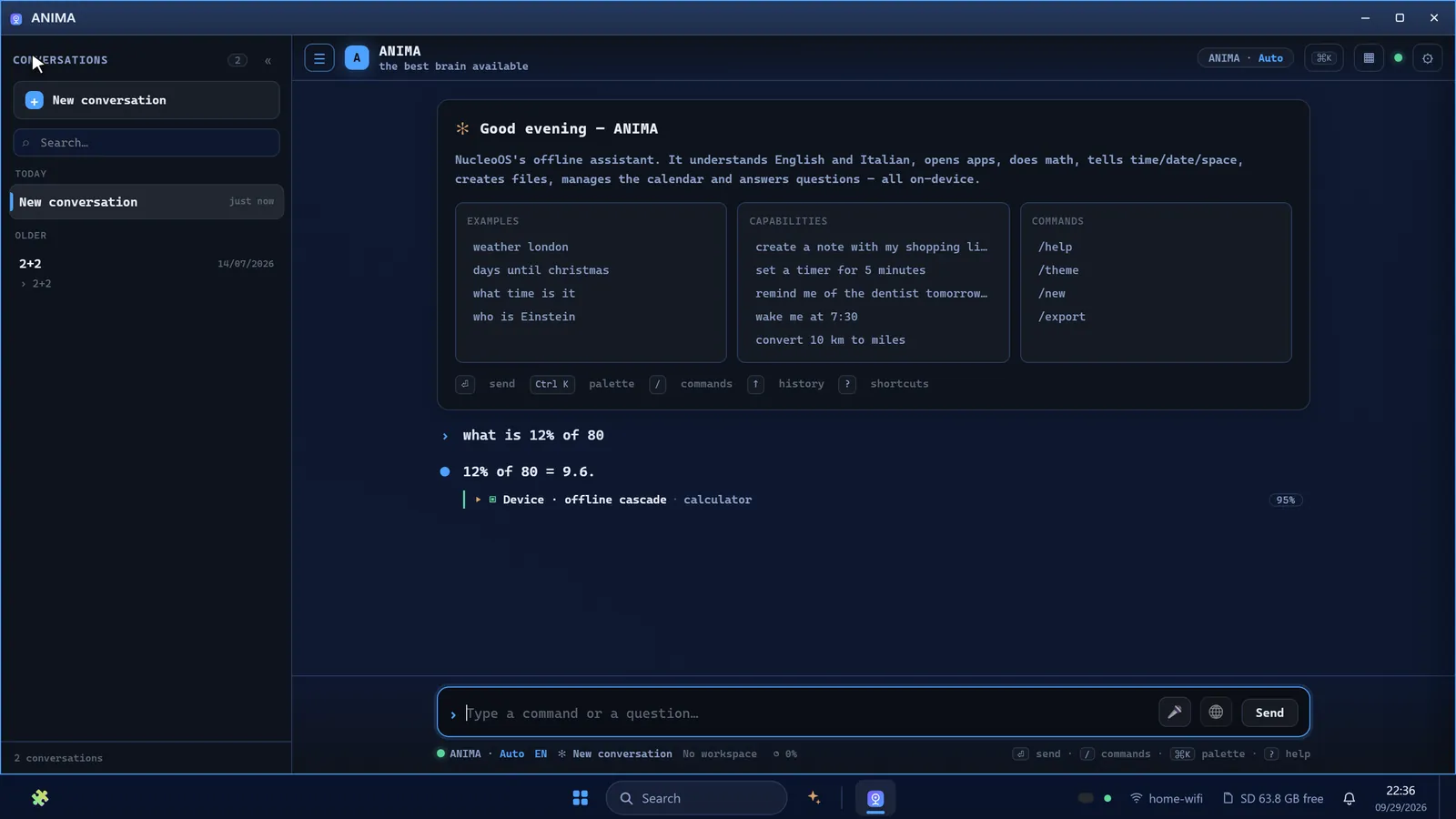
ANIMA, answering offline in the browser -
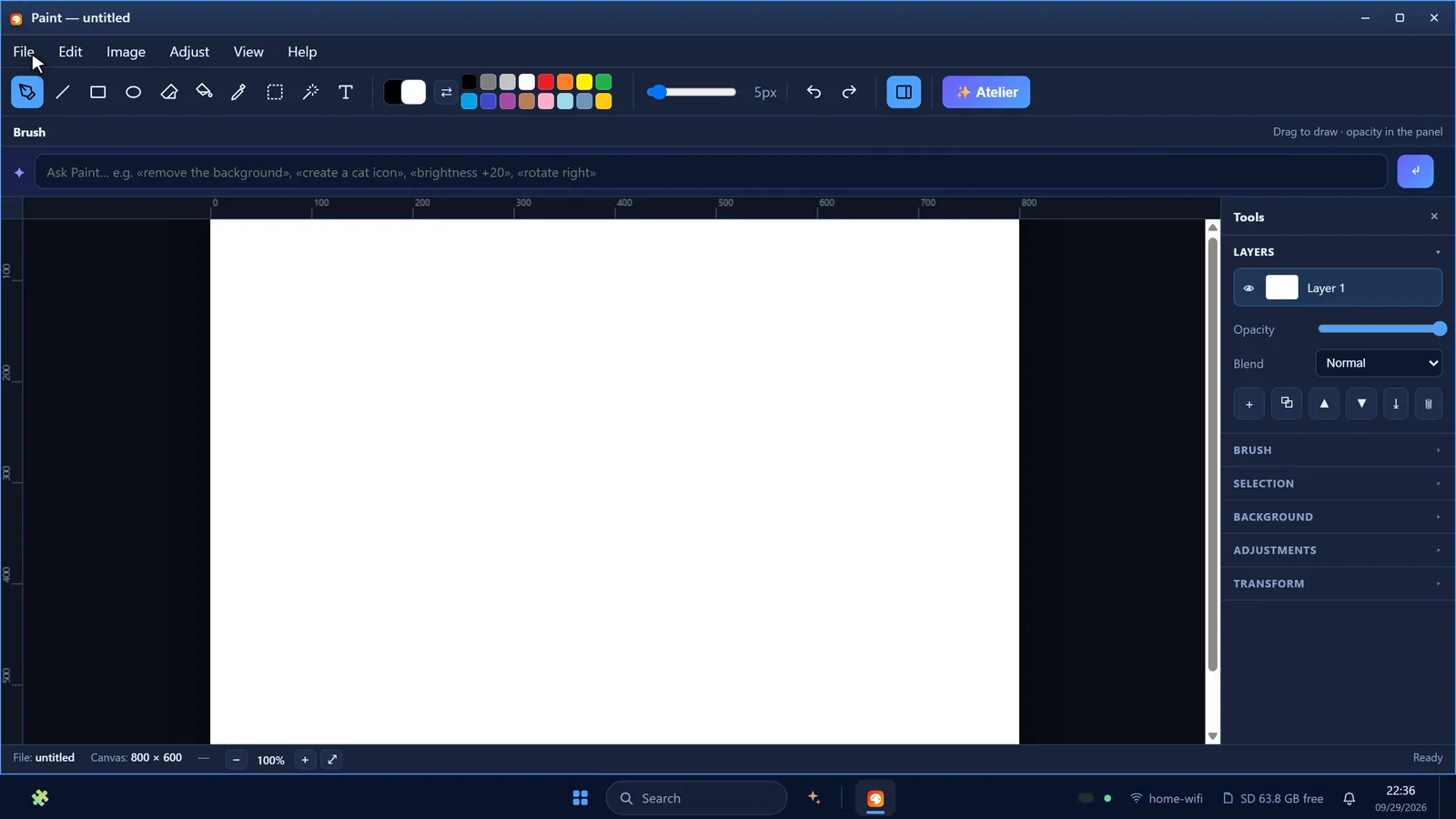
Paint with on-device image generation (WebGPU) -
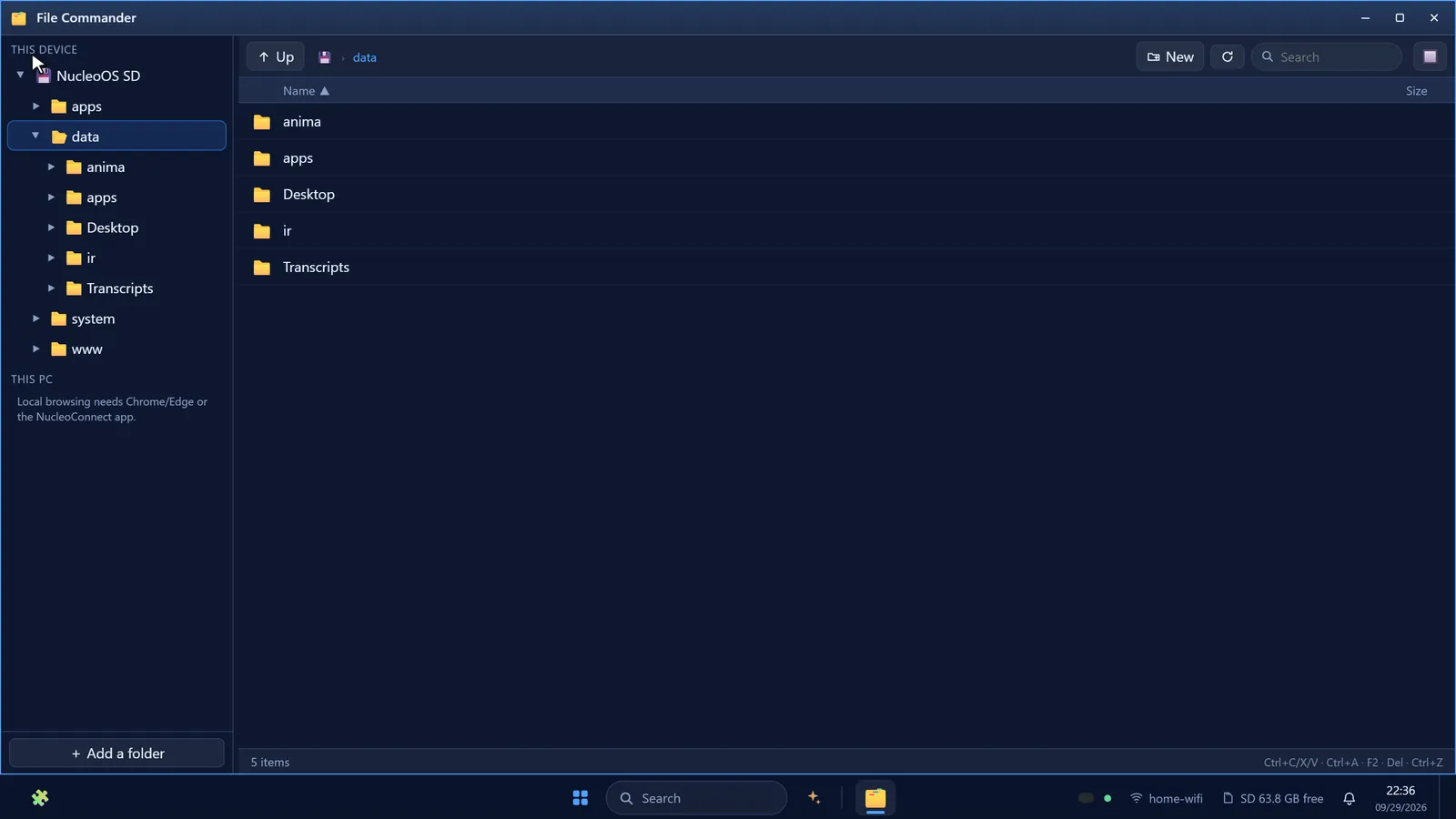
File Commander for the SD card -
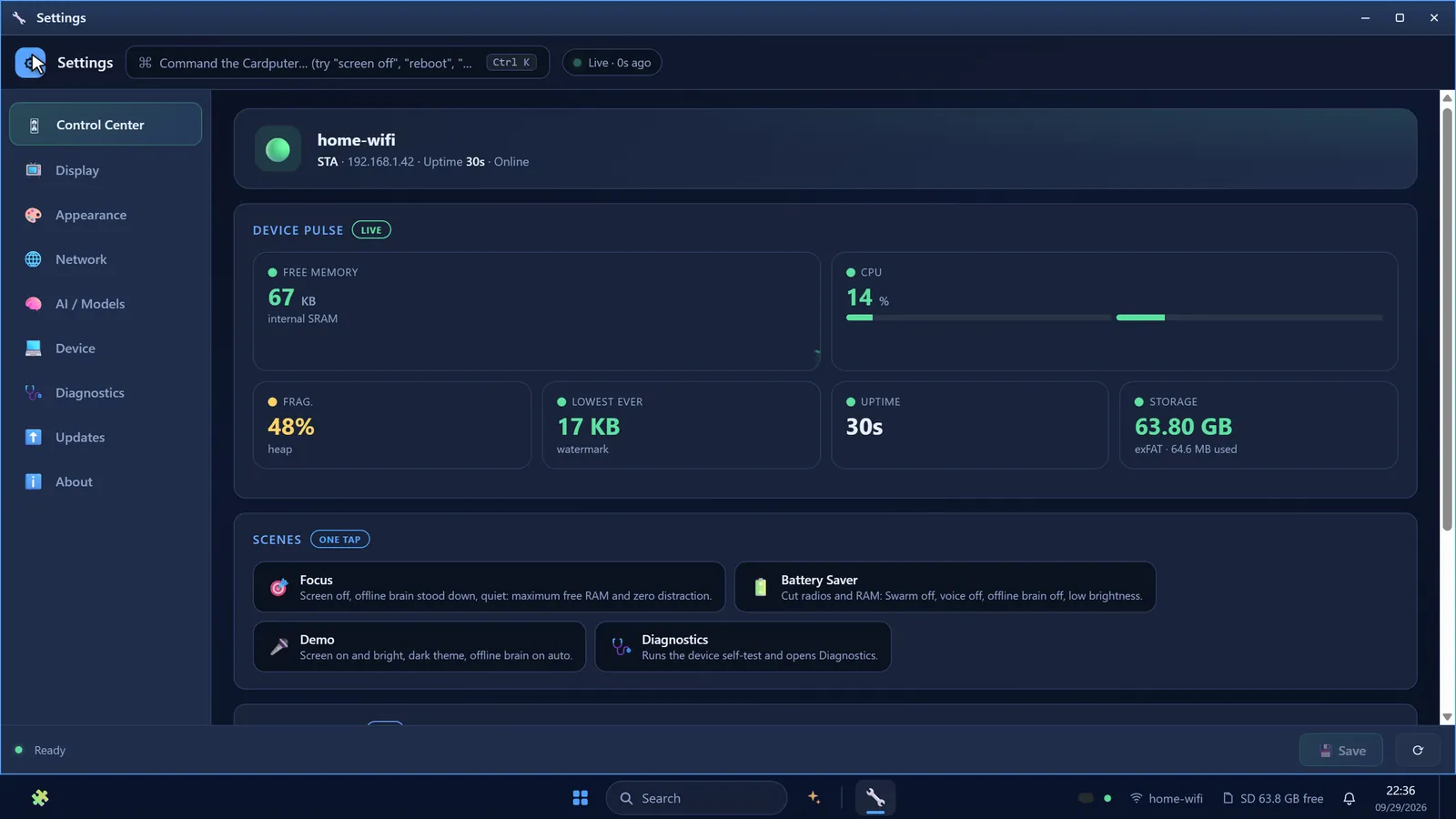
Settings Control Center with live device pulse -
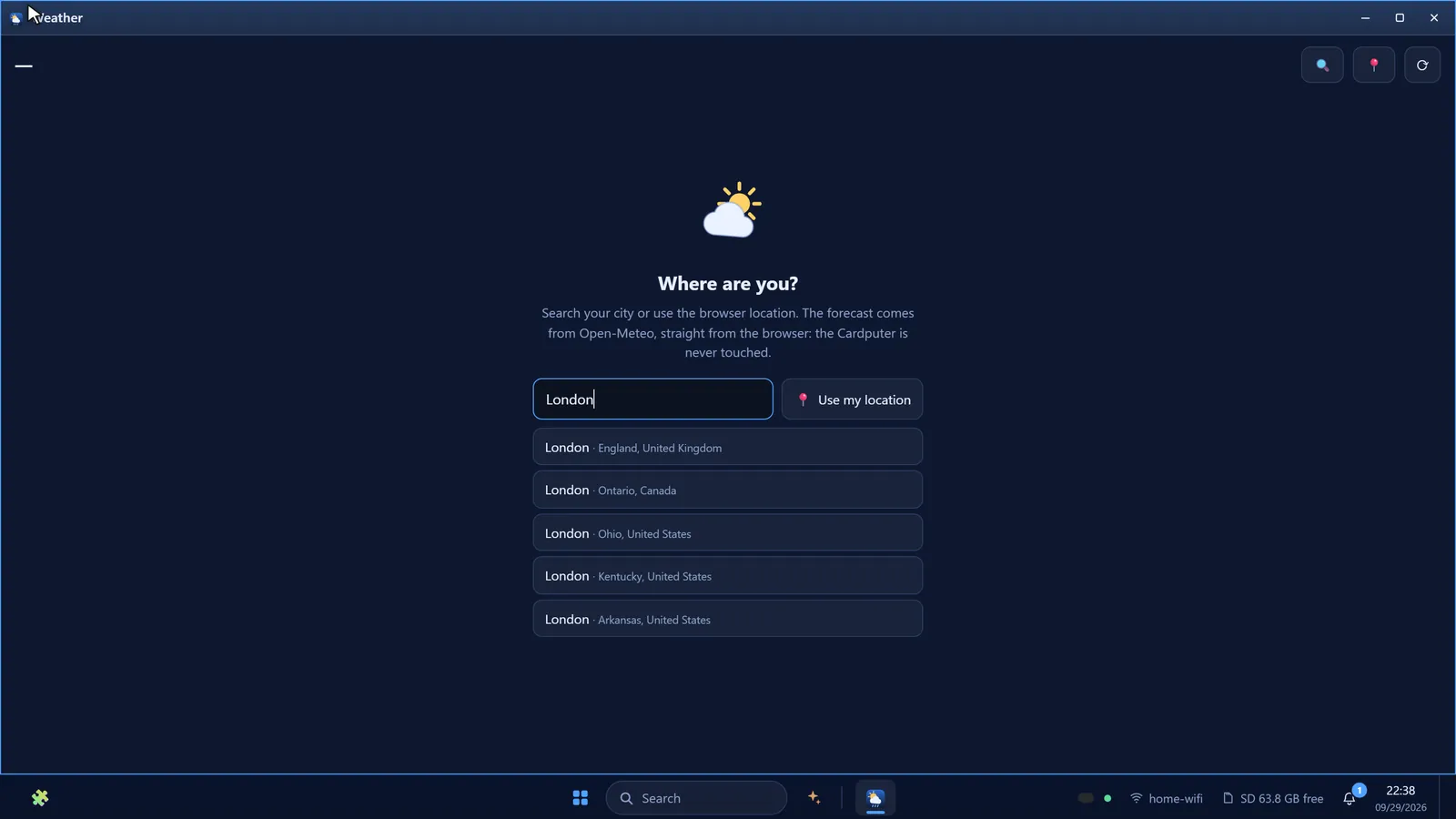
Weather, fetched by your browser — never by the Cardputer -
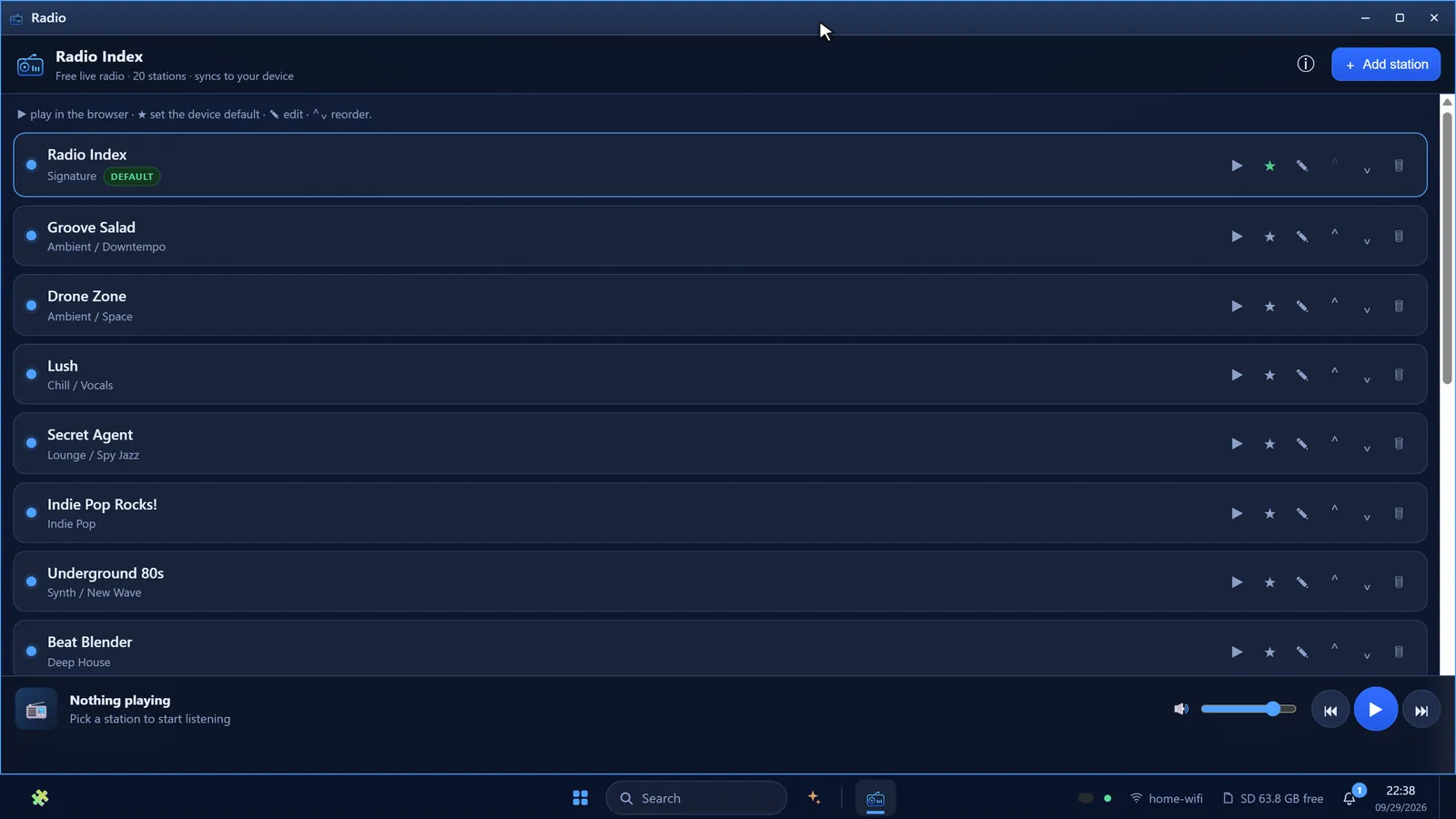
Internet radio, with a twin native app -
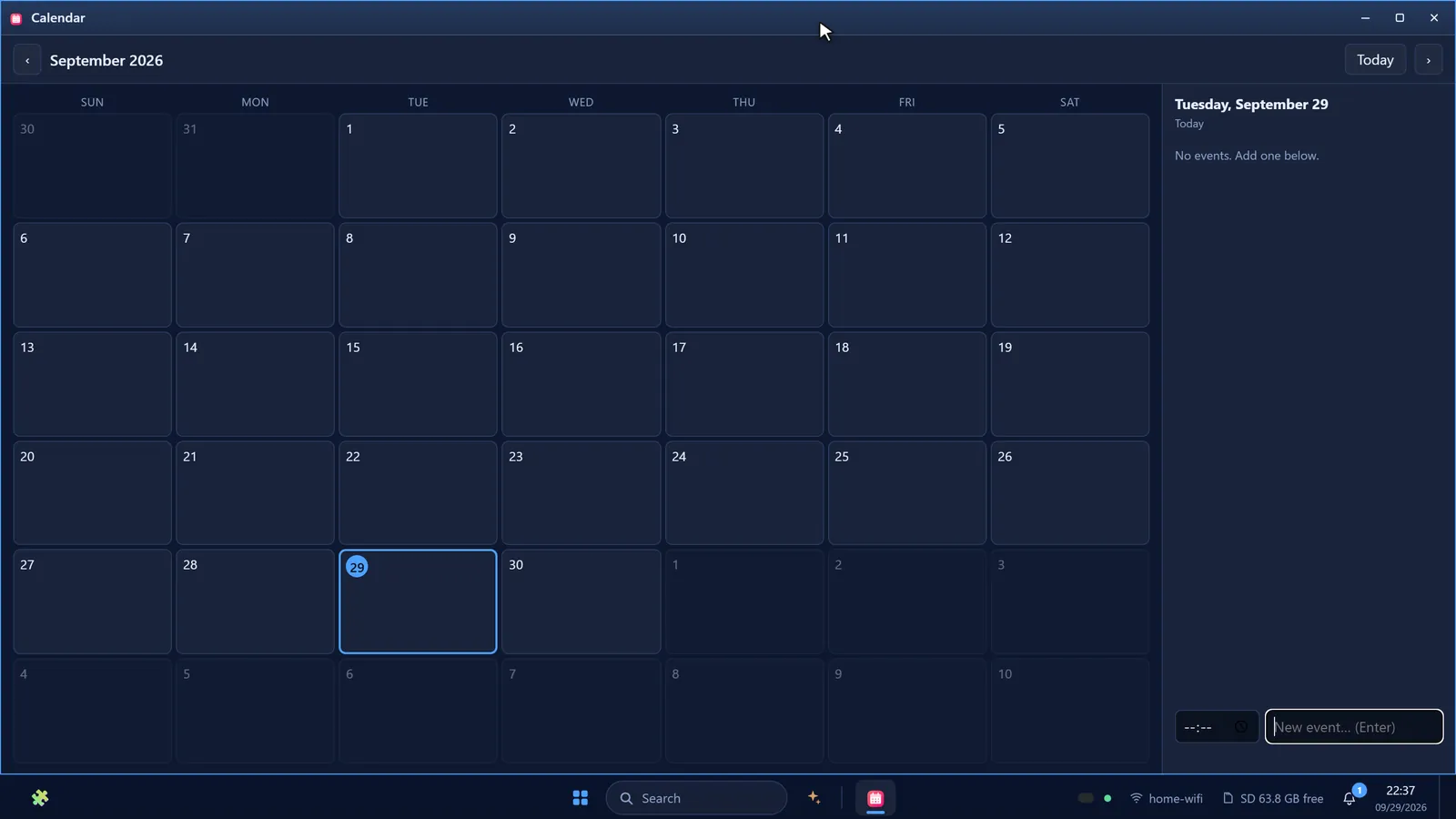
Calendar -
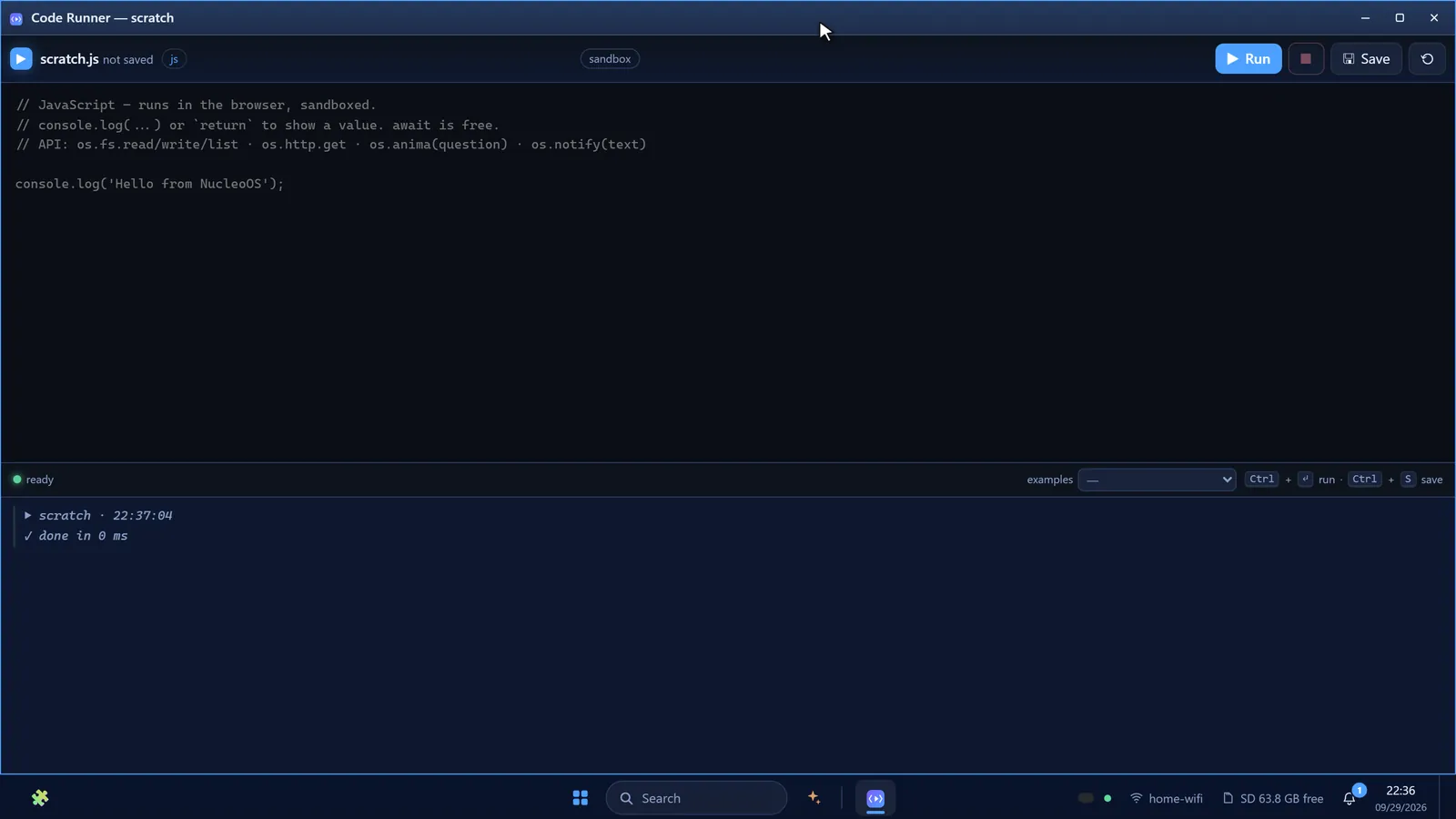
Code Runner with an os.* scripting API -
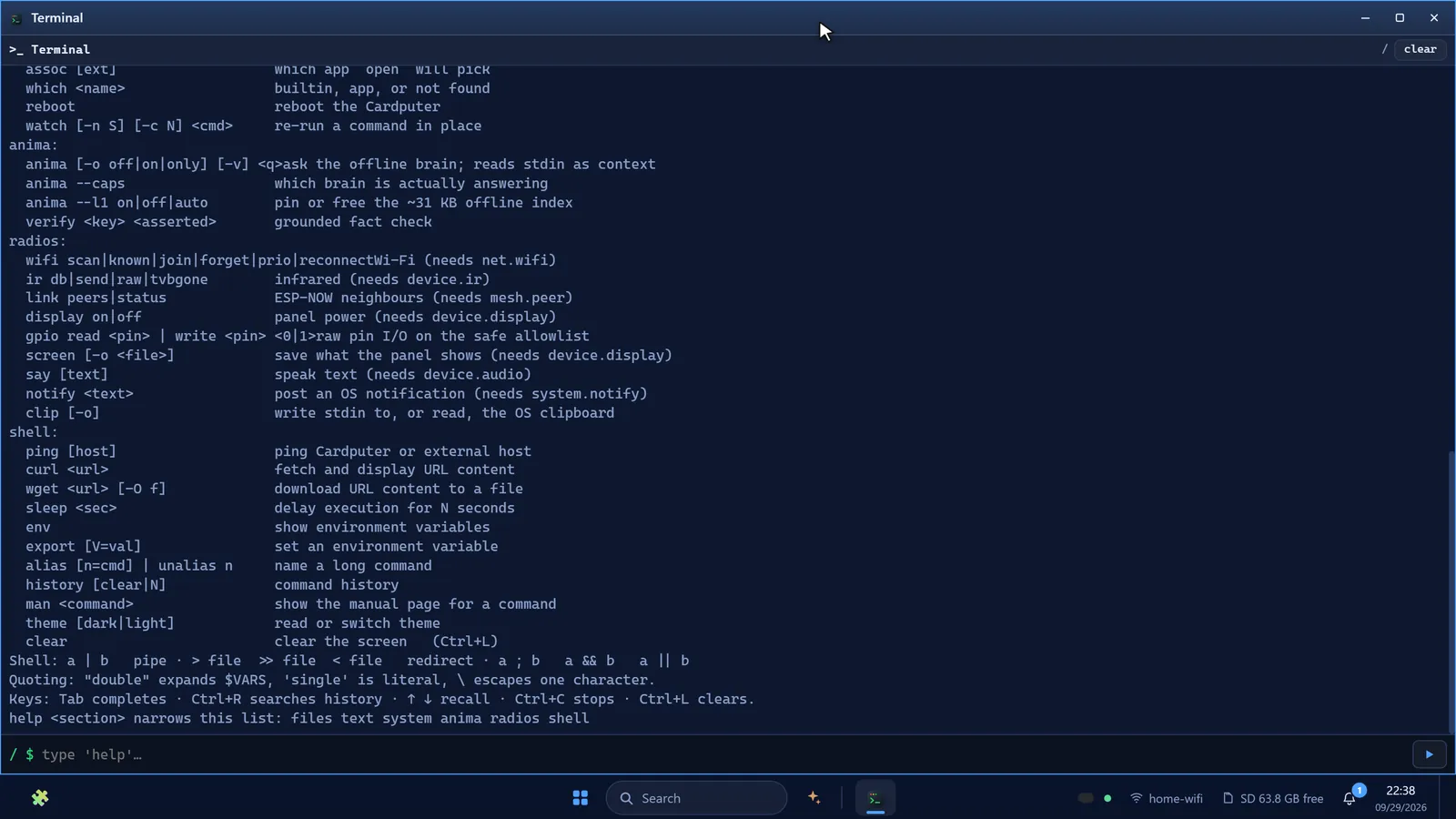
Device terminal with Tab completion and history search -
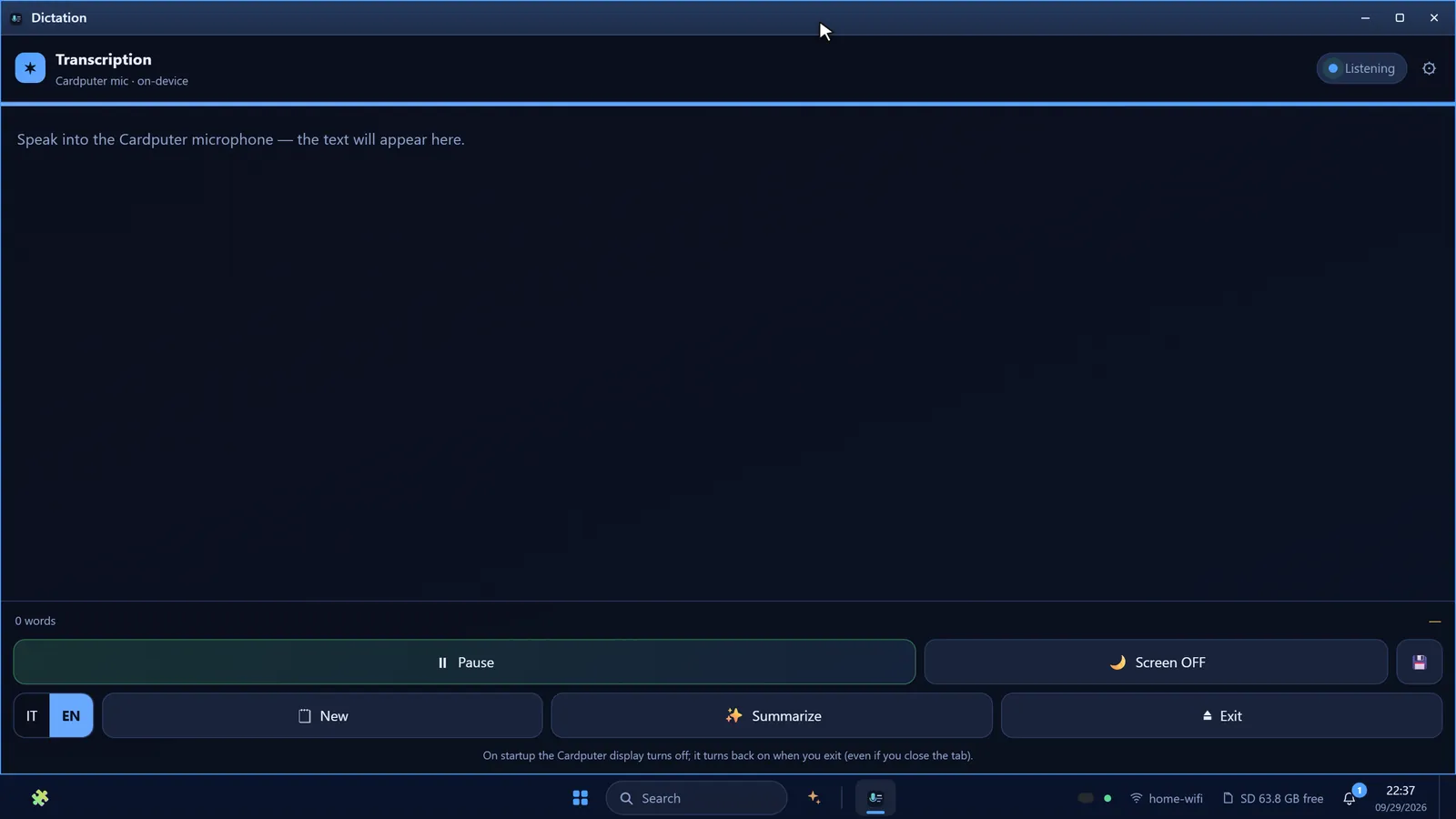
Offline transcription from the Cardputer’s microphone -
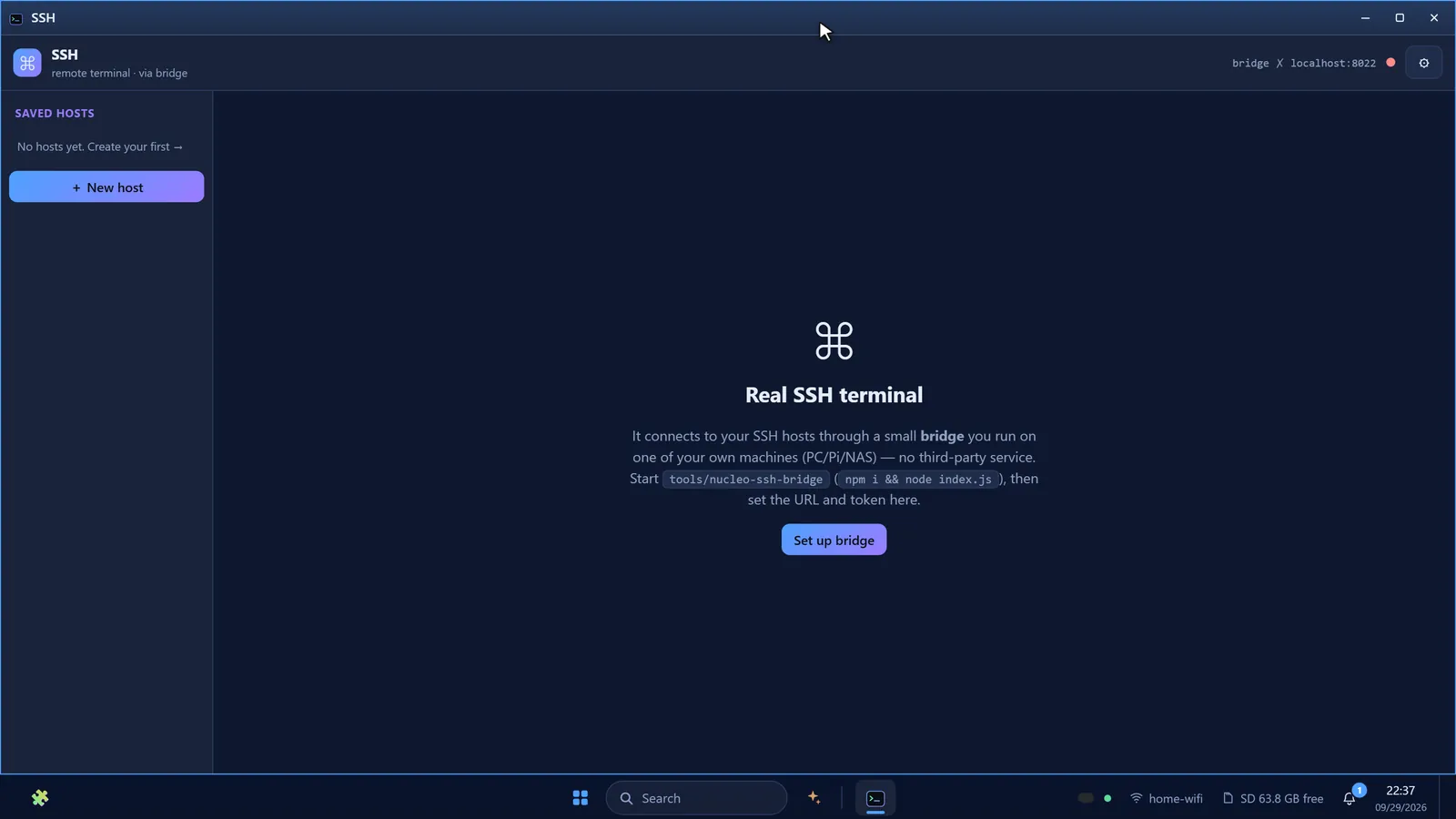
SSH through a self-hosted bridge -
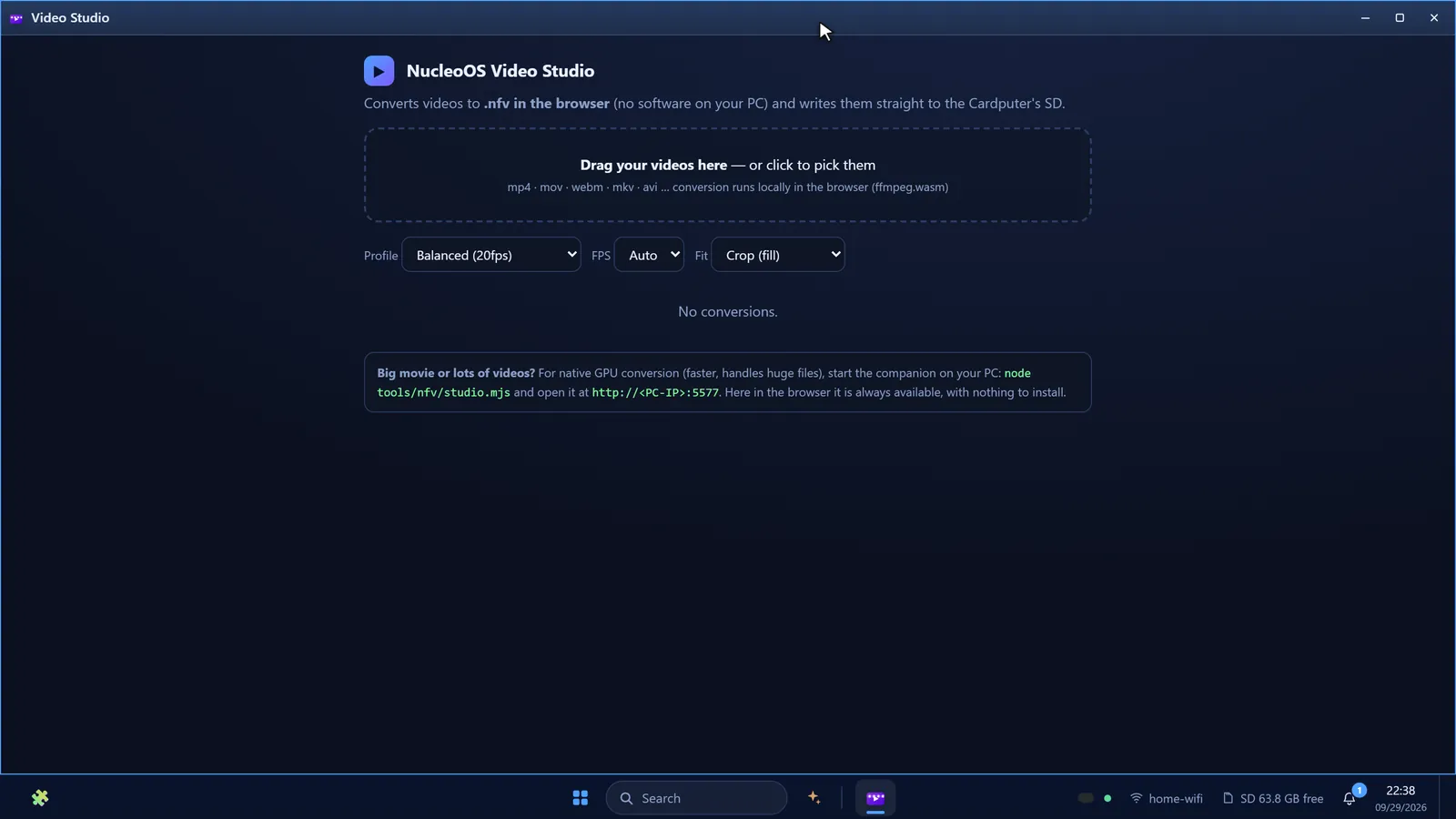
Video Studio converts films for the device -
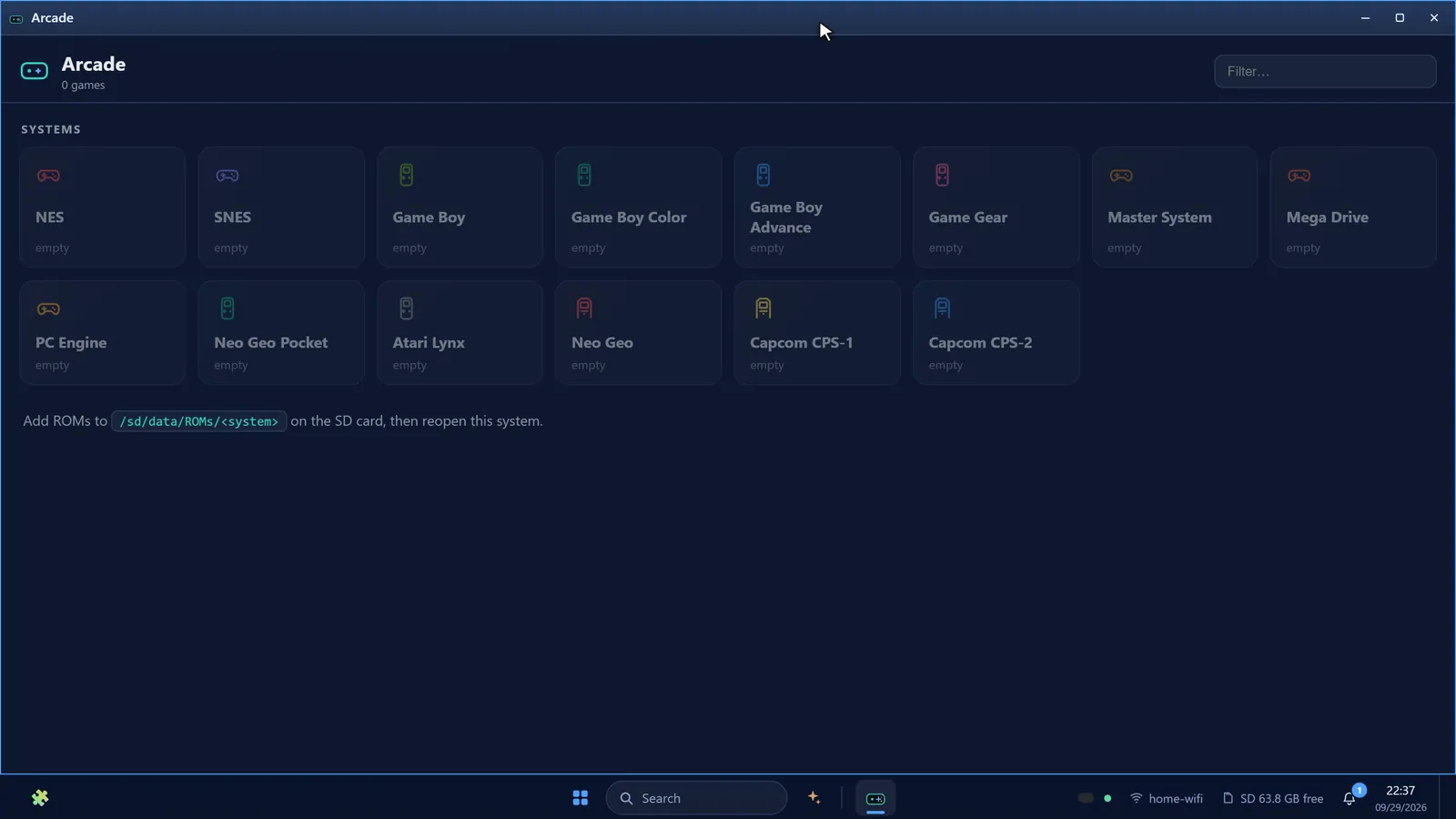
Arcade — 14 retro systems, your own ROMs
Scroll sideways for more
On the Cardputer
- Assistant and voice
- ANIMA chat · offline voice in Italian and English · recorder with live transcription · mic spectrum · push-to-talk keywords
- Games
- Pong · Snake Duel · Tank Duel · Tanks · Scorribanda · Cardler · Hordes · Pinball · Poker · Slots · Dice · Yahtzee · Constellations · Reactor · Sand Garden — multiplayer over ESP-NOW, no router
- Emulation
- Game Boy on our own core; Game Gear on our own video, sound and cartridge hardware around a proven Z80 core. Battery-backed saves, your own ROMs from the SD card
- Media
- Film player · MP3 player · internet radio · photos
- Pocket instruments
- Torch · bubble level · protractor · alarm · pedometer · weather · IR remote · QR · PixelFix
- System
- Wi-Fi · settings and themes · clock · calendar · notes · calculator · system monitor · mail · SSH terminal
- Security lab
- Wi-Fi, Bluetooth LE, wired Ethernet (W5500), IR and USB-HID tools — for authorized testing only
In your browser
- AI
- ANIMA (offline, WebAssembly) · AI Chat · ANIMA Code · Agents · OS-wide copilot
- Create
- Paint + Atelier · Video Studio · video and media players · radio · QR
- Work
- File Commander · Spreadsheet · Notepad · Calculator · Calendar · Tasks · Archive Manager · Mail · Contacts
- Build
- Code Runner · Terminal · SSH · System Monitor · Log Viewer · Updates
- Tools
- Weather · Authenticator (TOTP/HOTP) · Unit Converter · Passkeys · IR Remote
- Voice
- Transcription · Recorder · Voice Manager · Dictation
- Play
- Game Center (WebRTC) · Arcade (NES, SNES, Game Boy, GBA, Mega Drive, PC Engine) · DOSBox · Nearby
A whole galaxy, off a microSD card
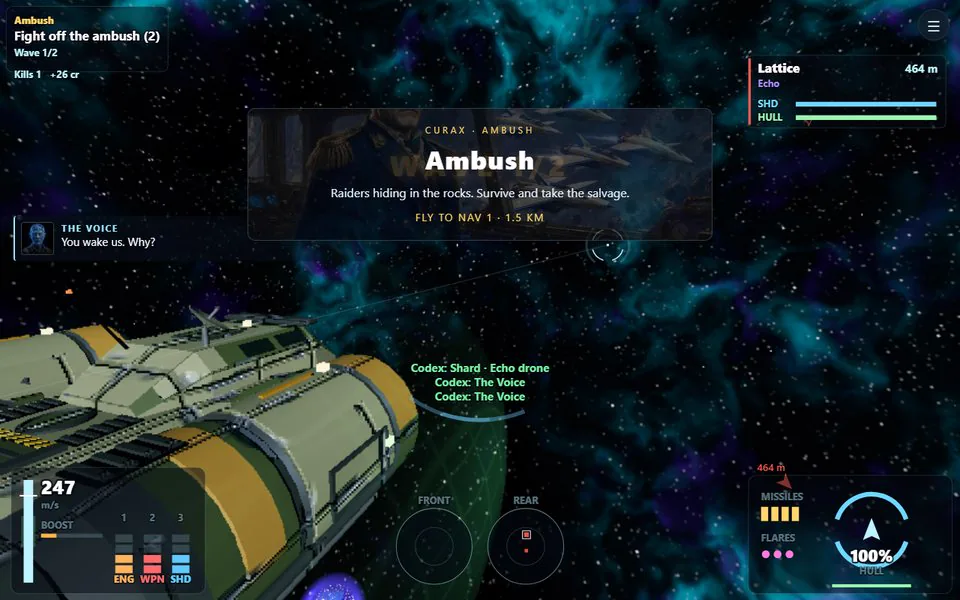
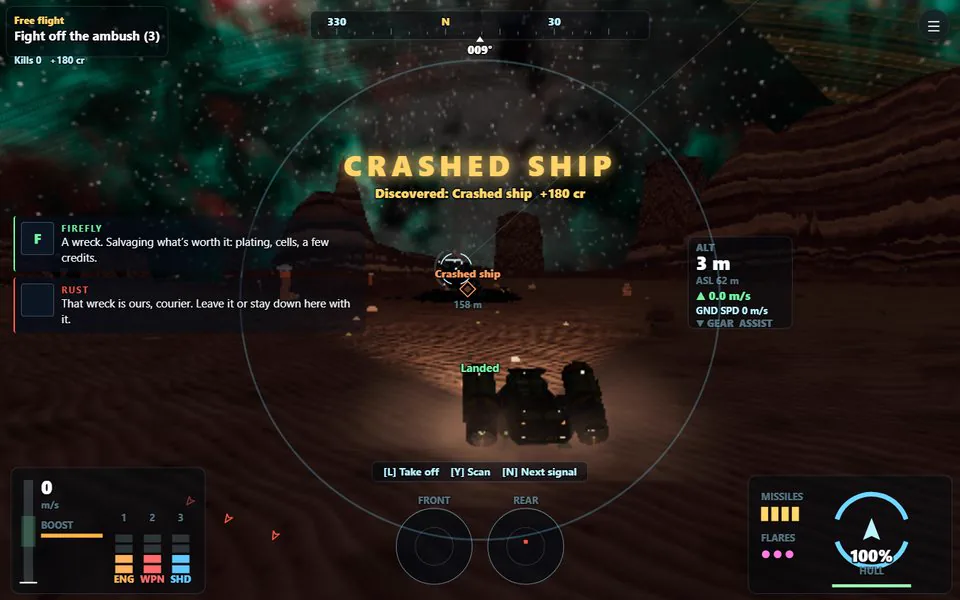
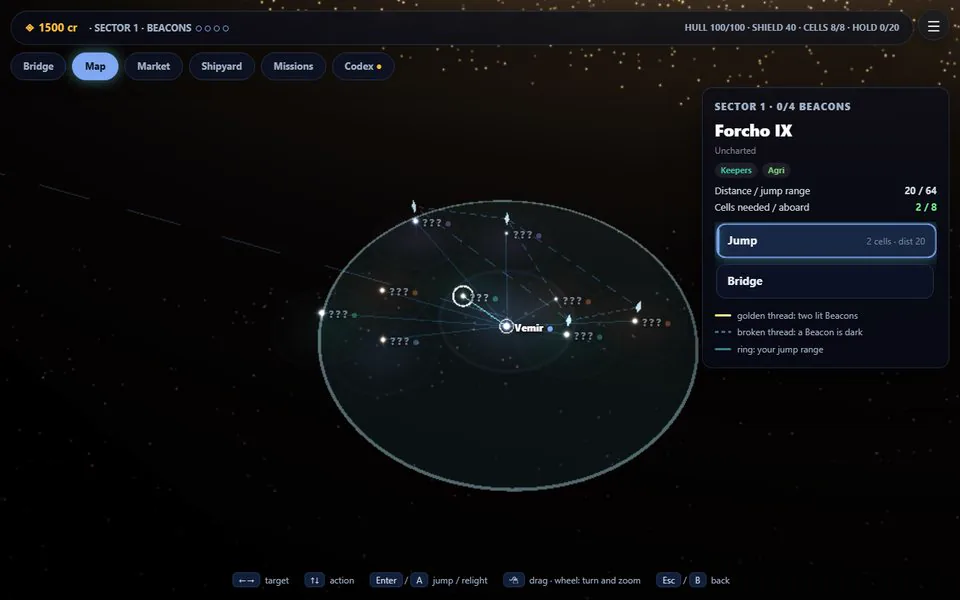
Costellazioni is the flagship game: 6DOF combat in procedural star systems, a galaxy to cross — map, jumps, docking, beacons to relight — and worlds to land on, with a seamless descent from orbit, eight biomes and discoveries to make.
66 paintings and an original four-track score. It plays in your browser, served by the Cardputer; a native version runs on the Cardputer itself.
One firmware, both boards
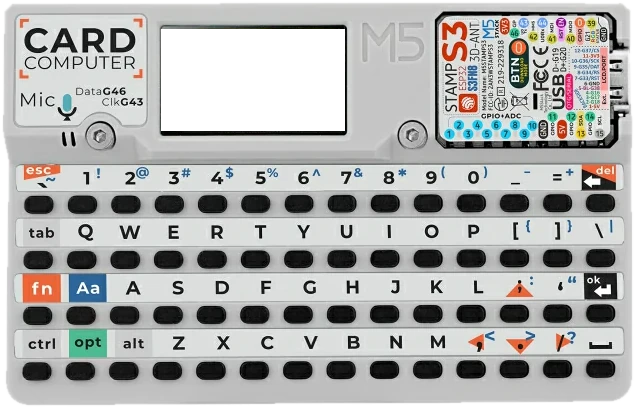
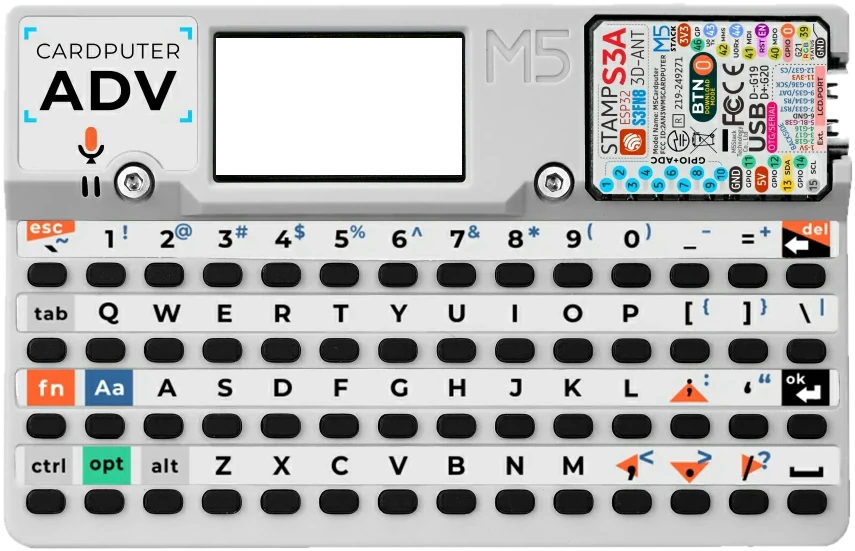
A single universal binary detects the original Cardputer or the Cardputer ADV at boot and loads the right keyboard and audio drivers. Build once, flash either.
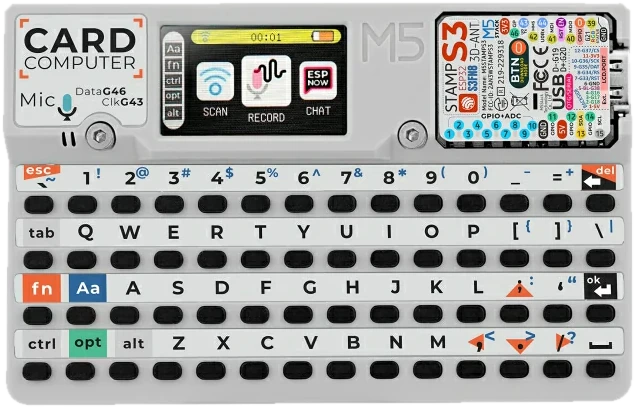
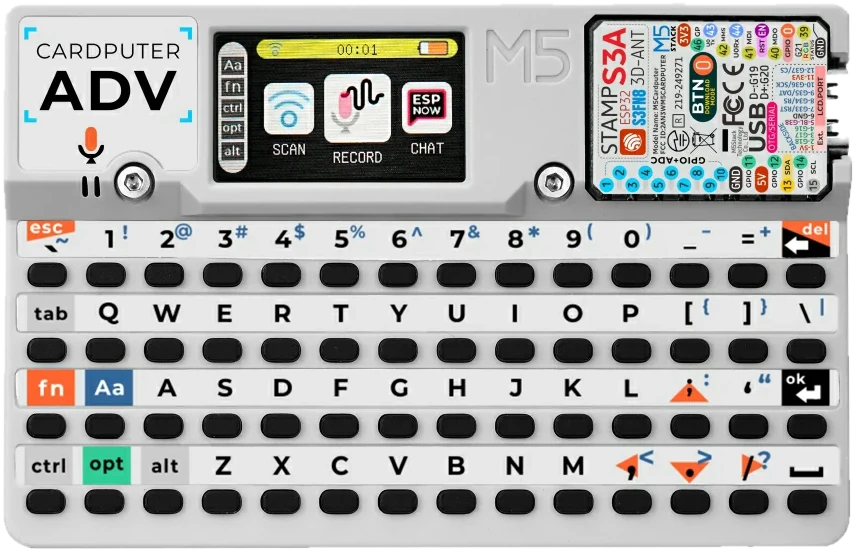
| Chip | ESP32-S3FN8, dual-core Xtensa LX7 at 240 MHz |
|---|---|
| Memory | 512 KB SRAM, no PSRAM · 8 MB flash with two OTA slots |
| Screen | 240 × 135 TFT (ST7789V2) |
| Keyboard | 56 keys |
| Radios | Wi-Fi 2.4 GHz · Bluetooth LE 5 · ESP-NOW |
| I/O | Microphone · speaker · IR transmitter · Grove port · microSD |
| Battery | 120 + 1400 mAh (original) · 1750 mAh (ADV) |
| ADV adds | IMU (BMI270) · 3.5 mm audio out · ES8311 audio codec |
Have an ESP32-P4 board with a 7″ touchscreen? That’s NucleoOS-P4, a sister edition with its own repository.
Installs itself. Updates itself. Rolls back by itself.
The fiddly part of a custom firmware is everything after the flash. NucleoOS does it for you — and checks its own work.
New versions are announced in the web desktop and on the Cardputer. The device contacts only the official release site — to check versions and to download the updates you start.
Release notes →The SD card fills itself
On a blank or outdated card, the first-boot wizard downloads the web desktop and ANIMA’s files for your firmware — a ~50 MB core — and checks every file by SHA-256. It resumes if interrupted, can be skipped, and never touches your data.
Firmware updates that roll back
A new firmware goes to the second slot and counts as installed only after it has run healthy for its first seconds. If it crashes before that, the Cardputer goes back to the previous version by itself.
The card catches up from the browser
Settings ▸ Updates shows whether the web OS, the apps and ANIMA’s knowledge match the firmware, and brings them up to date in one go: only the changed files, each one verified. Your data, keys and settings are never touched.
Lives next to your other firmwares
Already use M5Launcher? NucleoOS installs as its guest: updates come from the Launcher, it can never overwrite another installed app, and Settings ▸ Device takes you back to the Launcher.
A desktop that opens fast
Since 0.7.1 the web desktop loads about six times faster. Measured on the original Cardputer over a weak Wi-Fi link: about 5 seconds in a fresh browser, where it used to take over 30.
Install in three steps
You need a USB-C cable, a microSD card and Chrome or Edge on a desktop computer.
- USB-C cable
- microSD card, FAT32
- Chrome or Edge, desktop
-
Flash the firmware
Open the web installer, plug in the Cardputer and pick its serial port. When it finishes, press reset. If anything goes wrong, you can usually just flash again. Installing a custom firmware is at your own risk.
Open the web installer -
Add the SD content
Insert a FAT32 microSD before powering on. Once the Cardputer is on your Wi-Fi, the first-boot wizard downloads the content by itself — verified, resumable, skippable. Rather copy it from a computer? Extract the SD package to the card root, so you see
Download the SD package (.zip)/apps,/www,/systemand/data. The package is card content, never a firmware. -
Boot and connect
Pick a language, join your Wi-Fi and name the device. The screen then shows an address: open it in a browser on the same network and pair with the 6-digit PIN shown on the Cardputer. No Wi-Fi? The Cardputer starts its own network,
Read the user guideNucleoOS-xxxx, with the password on screen.
Other ways to flash: with M5Launcher, which keeps your other firmwares — copy nucleoos-latest.bin to the SD card and pick it in the Launcher’s SD installer — or from the command line with esptool.
Manual and documentation
The manual lives on GitHub next to the code, so it always matches the release you run. It is written in English.
- User guideInstall, first boot, pairing, the launcher, ANIMA, updates and troubleshooting.
- Documentation indexEvery spec in the repository, grouped by topic.
- What’s newThe changelog, release by release.
- ArchitectureHow the device, the SD card and the browser share the work.
- Build an appManifests, runtimes and permissions for web and native apps.
- Develop without flashingThe host harness compiles the real firmware C and runs it on your PC.
Frequently asked questions
Does NucleoOS work on the Cardputer ADV?
Yes. One universal firmware runs on both the original M5Stack Cardputer and the Cardputer ADV: it detects the board at boot and loads the right keyboard and audio drivers.
Is NucleoOS free?
It is free for personal use, study, research, hobby projects, education and non-profits under the PolyForm Noncommercial License 1.0.0. Commercial use needs the author’s permission.
How do I install NucleoOS on a Cardputer?
Use the web installer in Chrome or Edge on a desktop computer with a USB-C cable — or M5Launcher, or esptool. On first boot the Cardputer downloads its SD content by itself; you can also copy the SD package onto a FAT32 microSD card yourself. There is nothing to install on your PC.
Can I keep my other firmwares?
Yes, with M5Launcher. Copy nucleoos-latest.bin to the SD card and pick it in the Launcher’s SD installer: NucleoOS runs as a guest next to your other firmwares, updates come through the Launcher, and Settings ▸ Device has Back to M5Launcher.
Do I need a phone, a PC or the internet to use it?
No. The native interface runs on the Cardputer by itself, and ANIMA answers offline. A browser on the same Wi-Fi adds the full desktop; the internet is only needed for online features you choose.
Which languages does NucleoOS support?
The interface is available in English, Italian, German, Spanish and French, and you can switch at any time. The offline assistant ANIMA and its voice understand Italian and English.
Where is the manual?
Right here: the user guide is rebuilt from the NucleoOS repository with every site update, so it matches the current release. It is written in English.
Free for noncommercial use
NucleoOS is source-available under the PolyForm Noncommercial License 1.0.0: free for personal use, study, research, hobby projects, education and non-profits.
Commercial use — in a product, a paid service or a for-profit organisation — is not covered by the free license. If that is what you have in mind, write to niki070585@gmail.com before you start.
Read the license → Legal information →Responsible use
The security lab is for authorized testing, research and education only — on networks and devices you own or have written permission to test. Active tools ask for consent before they run, and you are responsible for complying with the law.
Read the rules →